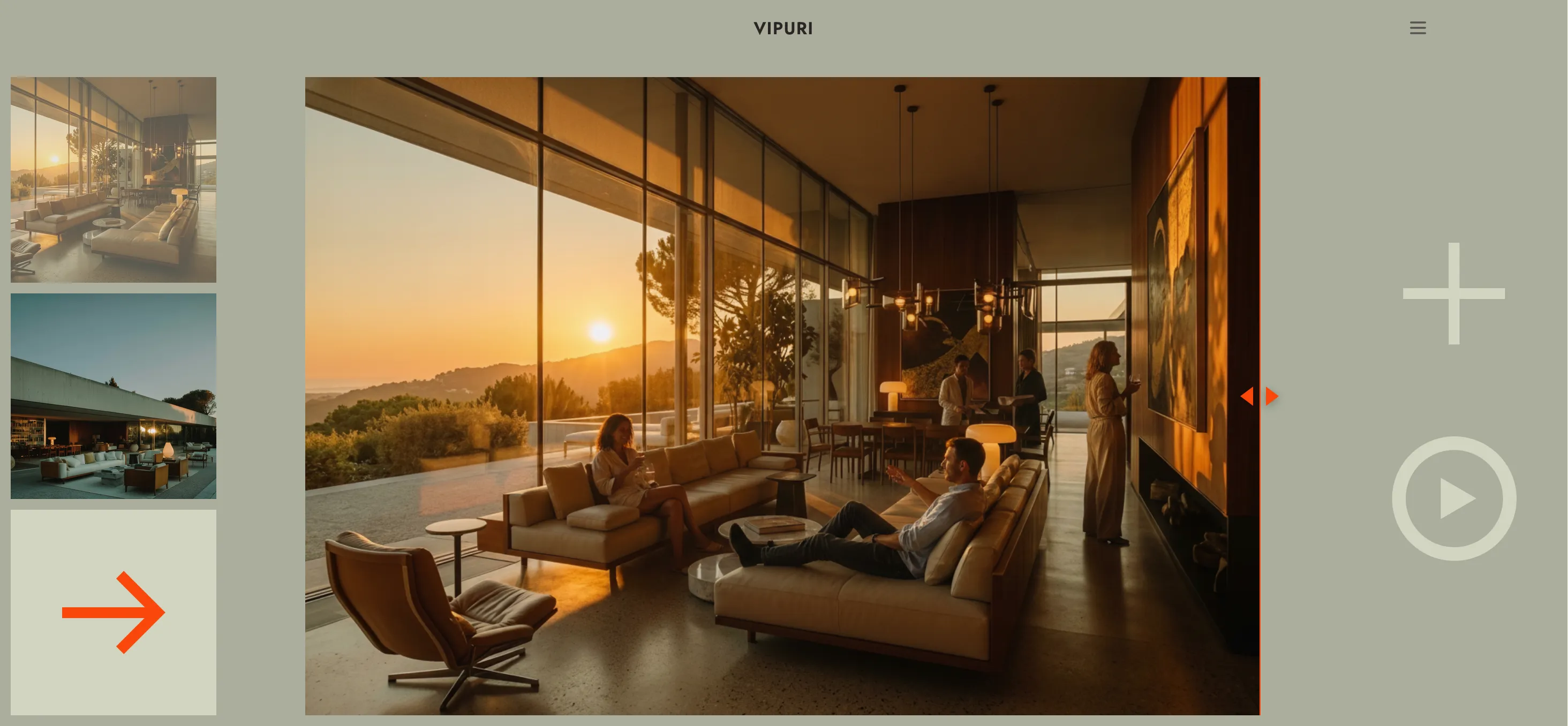
Tutorial 04
Edit an Image
Use AI Assist to refine a generated image with quick, guided edits.
1 Open AI Assist
Once you have a generated image, click the AI Assist button next to it.
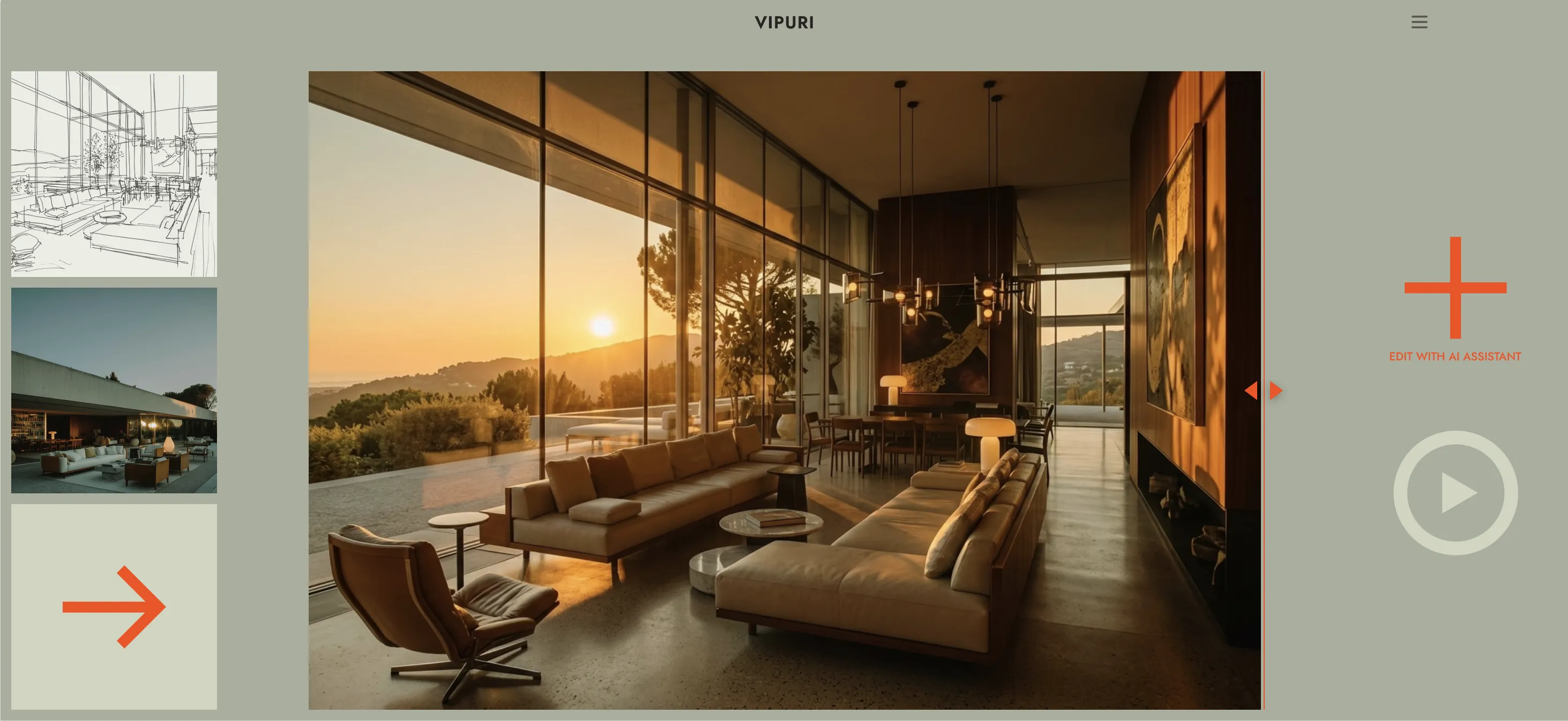
2 Browse the categories
This opens a list of categories. Tap one to expand it and reveal specific edit options.
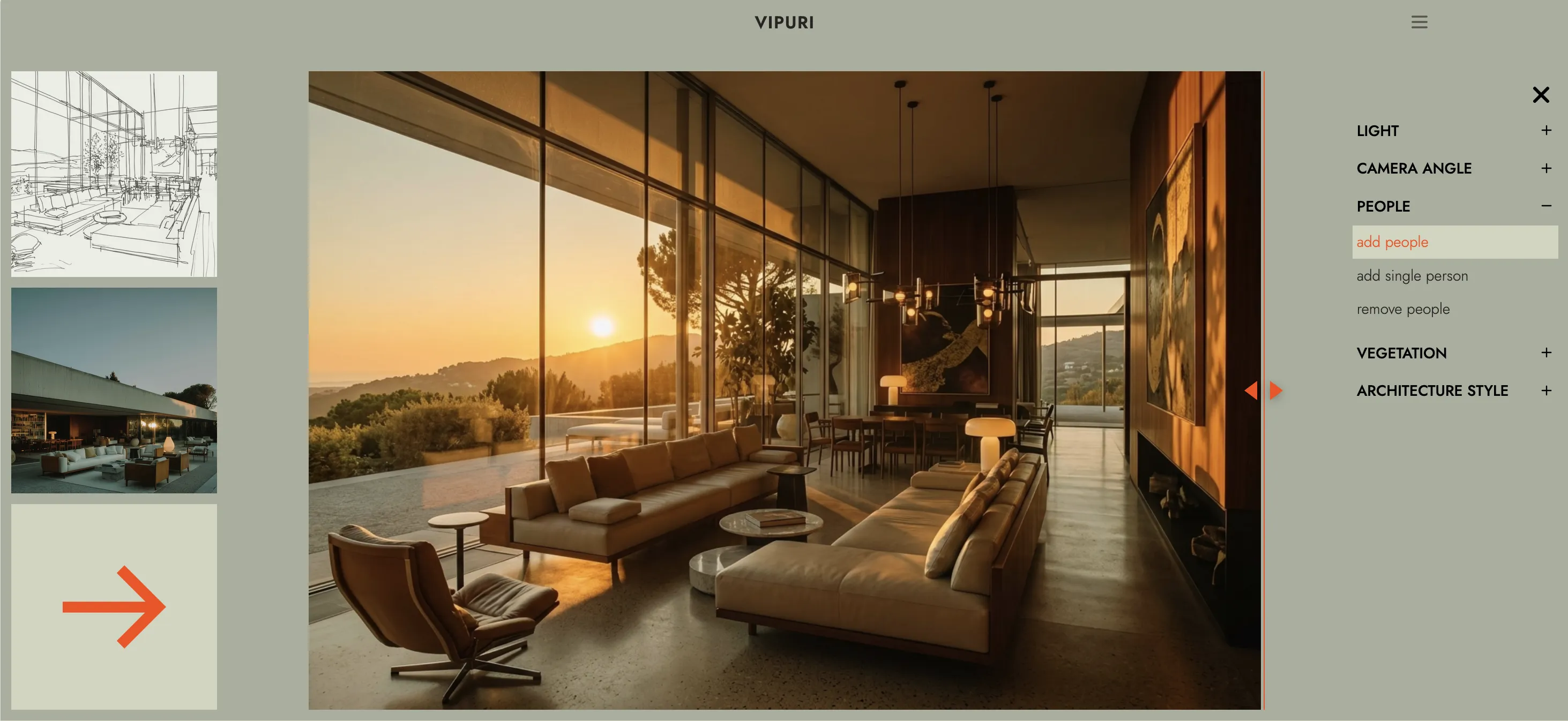
3 Pick an option
Tap the specific edit you want — it's applied automatically. There's nothing to type and no separate confirm step.
4 Wait a moment
Your updated image replaces the previous result — use the slider to compare the before and after.